
Download Portable Adium – Multi‑Account Messenger for Mac, Free & Secure
Overview
Portable Adium brings the full power of the beloved Mac instant‑messaging client to any USB key, external SSD, or iPod you choose to carry. If you’ve ever juggled AIM, MSN, Yahoo!, Google Talk, Jabber, or a host of other chat services, you know the frustration of installing and configuring a separate client on each computer you use. Portable Adium eliminates that friction by storing every account, chat history, and custom theme directly on your portable device.
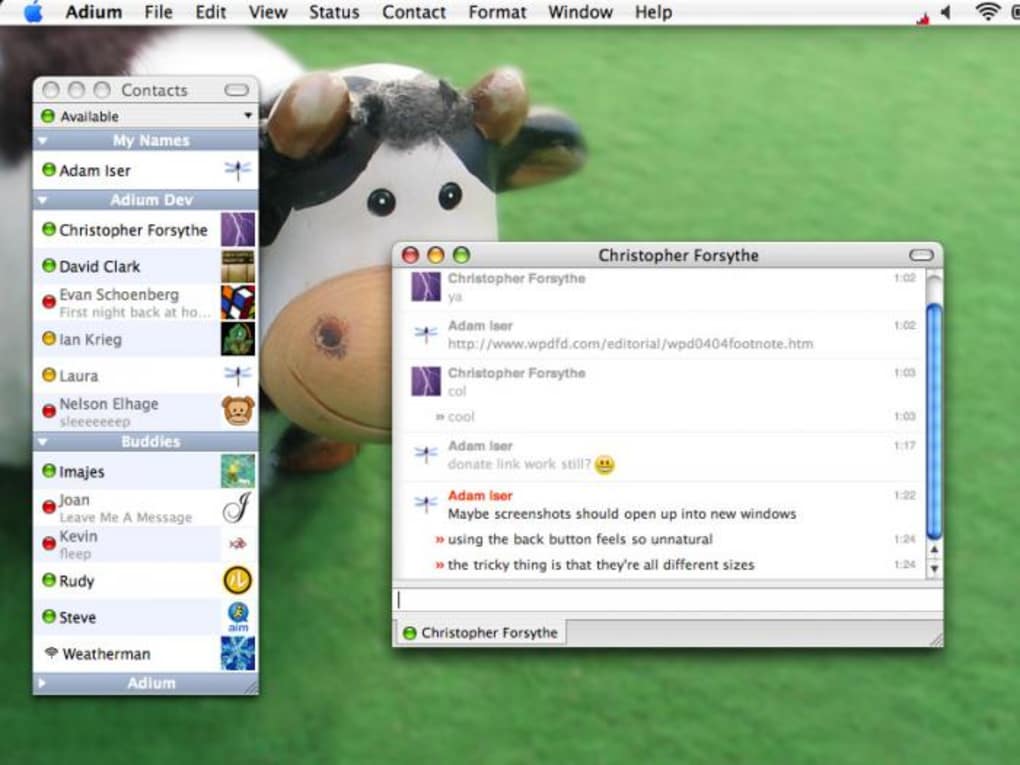
When you plug the device into a Mac, the application launches instantly—no admin rights, no installer, no leftover files on the host machine. The core engine is identical to the standard Adium release, meaning you receive the same sleek interface, robust plugin ecosystem, and high‑performance message handling. Whether you’re a frequent traveler, a student hopping between campus labs, or a professional who works from multiple office locations, this tool offers a secure, ready‑to‑go chat solution that respects your privacy.
All data stays on your own storage, so you control who sees your conversation logs. The portable version also benefits from regular updates; the bundled updater checks for the latest patches each time you start the app, ensuring you remain protected against emerging security threats. In short, Portable Adium is the ultimate “one‑client‑to‑rule‑them‑all” for Mac users who need flexibility without sacrificing reliability.
Key Features
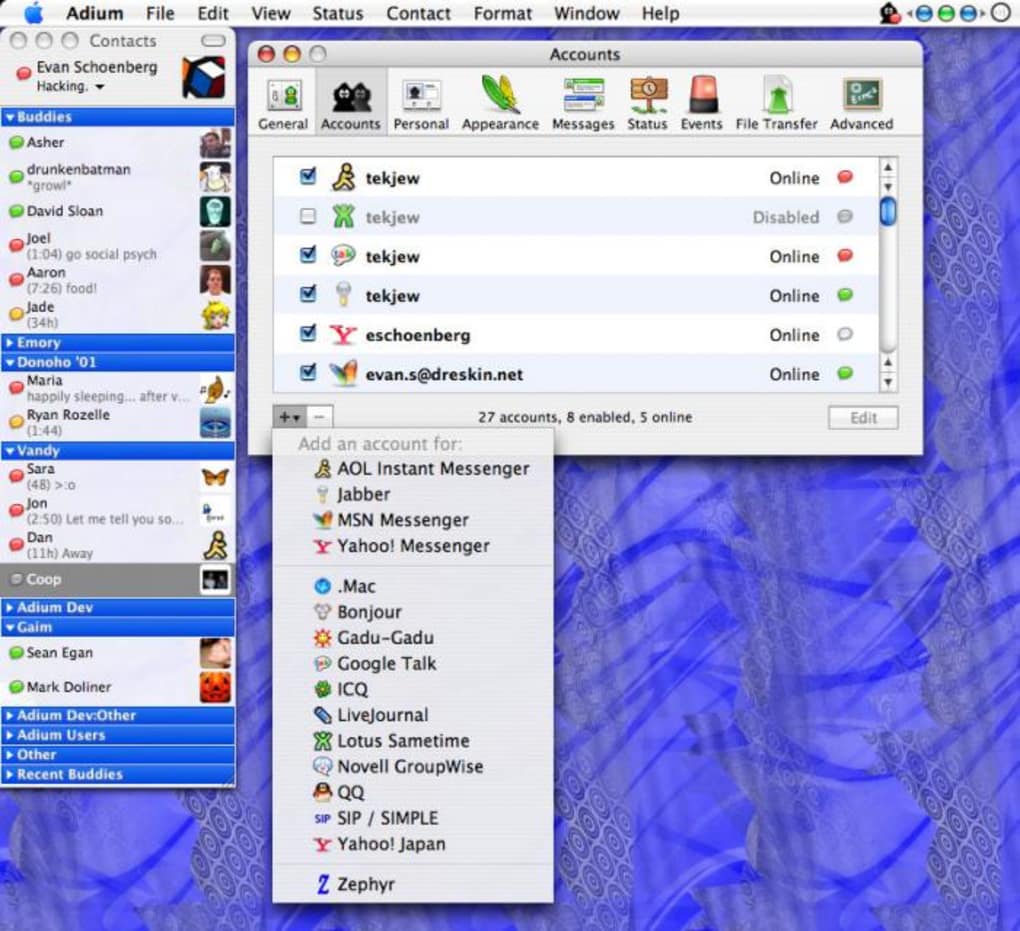
- Multi‑Protocol Support: Connect to AIM, MSN, Yahoo!, Google Talk, Jabber/XMPP, IRC, and many more without switching apps.
- Portable Architecture: Runs directly from a USB stick or external drive; no installation required on the host Mac.
- Full Profile Sync: All accounts, preferences, and chat histories are saved on the portable device, keeping your experience consistent everywhere.
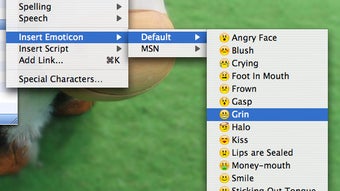
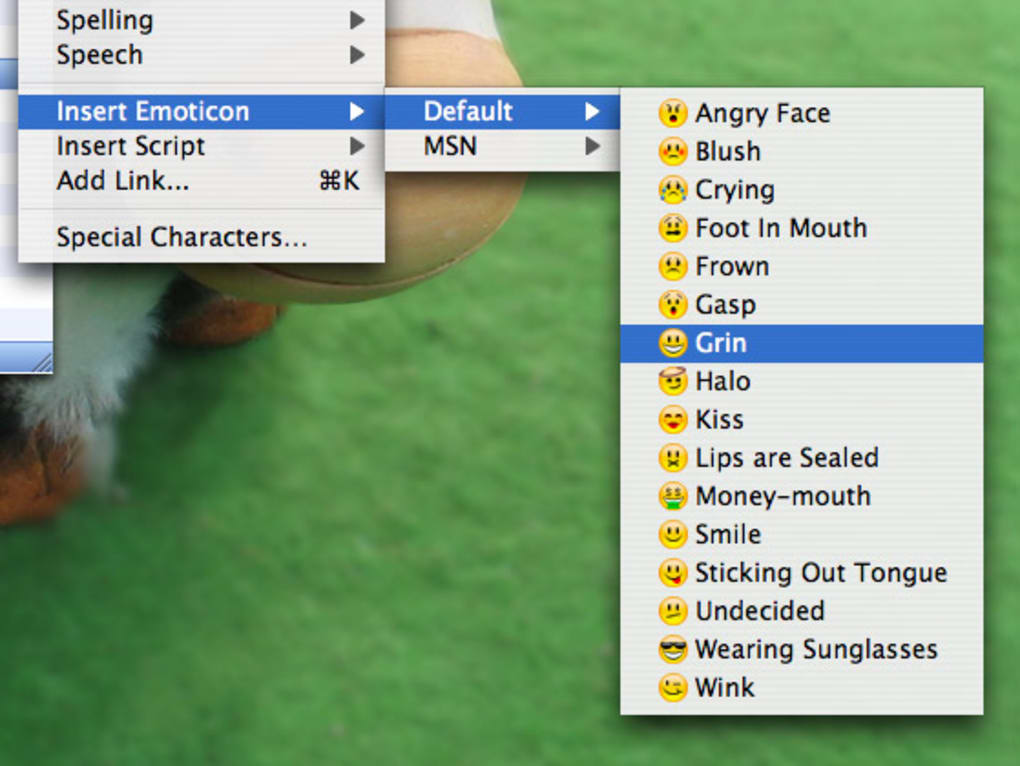
- Plugin Compatibility: Supports the same Adium plugins as the desktop version, allowing custom emoticons, encryption, and status extensions.
- Secure Messaging: Offers OTR (Off‑the‑Record) encryption for private conversations, plus TLS support for most services.
- Theme & Appearance: Choose from dozens of skins, custom fonts, and window layouts; themes are stored with the app on your drive.
- Automatic Updates: When launched, Portable Adium checks for the latest stable release and applies updates without needing admin rights.
- Lightweight Footprint: Uses minimal system resources, making it ideal for older Mac hardware or shared workstations.
- Offline Message Queue: Messages received while you’re offline are stored locally and delivered when you reconnect.
- Cross‑Version Consistency: The portable build mirrors the desktop version’s performance and stability, ensuring a seamless transition.
Installation, Usage & Compatibility
How to Install Portable Adium
Installing Portable Adium is as simple as copying a single folder to your preferred portable medium. Follow these steps:
- Download the latest Portable Adium ZIP file from the official website.
- Insert your USB key, external SSD, or iPod into the Mac you’ll use for the transfer.
- Extract the ZIP archive directly onto the root of the portable device. A folder named
PortableAdiumwill appear. - Ensure the
PortableAdiumfolder contains theAdium.appbundle and a hidden.adiumdirectory where all profiles are stored.
No additional software, admin privileges, or system modifications are required. The app is self‑contained, meaning it does not write to the host’s /Applications folder or modify system libraries.
Running the Application
To launch Portable Adium, simply double‑click the Adium.app icon within the PortableAdium folder. macOS may display a warning about an app downloaded from the internet; click “Open” to proceed. The first launch will prompt you to grant permission for network access, which is essential for connecting to chat services. Once granted, you can add or import accounts just as you would in the standard version. All changes—new contacts, status messages, and preferences—are automatically saved back to the portable device, keeping your data intact for the next session.
System Compatibility
Portable Adium is built for macOS 10.12 (Sierra) and later. It runs smoothly on both Intel‑based Macs and Apple Silicon (M1/M2) machines thanks to Rosetta 2 translation when needed. Because the app is fully sandboxed, it works on corporate‑managed Macs where users lack admin rights, provided the security policy allows execution from external drives. For optimal performance, we recommend at least 2 GB of free RAM and a stable internet connection. The portable version does not support Windows, Linux, Android, or iOS—those platforms require the native Adium client or alternative messaging apps.
Compatible Operating Systems: macOS 10.12 Sierra, 10.13 High Sierra, 10.14 Mojave, 10.15 Catalina, 11 Big Sur, 12 Monterey, 13 Ventura, and later.
Pros, Cons & Frequently Asked Questions
Pros
- Fully portable – run from any Mac without installation.
- Supports all major chat protocols in a single interface.
- All data stays on your own device, enhancing privacy.
- Zero‑admin‑rights operation, ideal for restricted workstations.
- Regular automatic updates keep security current.
- Lightweight and fast, even on older hardware.
Cons
- Limited usefulness on Macs in public internet cafés, which are less common.
- Requires macOS; no cross‑platform support for Windows or mobile devices.
- Initial download size (~120 MB) may be large for very slow connections.
- Some third‑party plugins may need manual adjustment for the portable environment.
- Performance may vary on very old Macs with less than 2 GB RAM.
FAQ
Can I use Portable Adium on a Mac that has a strict security policy?
Yes. Because the app runs entirely from the external drive and does not modify system files, most security policies that block installers will still allow you to launch it. You may need to approve the app in System Preferences → Security & Privacy the first time.
Does Portable Adium store passwords securely?
Passwords are saved in the macOS Keychain on the host machine, but Portable Adium also encrypts its local configuration files. Since the data resides on your portable device, only you can access it if the drive is protected with encryption (e.g., FileVault).
What happens to my chat history if I lose the USB drive?
Because all logs are stored locally on the drive, losing it means losing that history. We recommend regular backups of the .adium folder to a secure cloud service or secondary drive.
Is there a way to sync contacts across multiple devices?
Portable Adium does not include built‑in cloud sync, but you can use third‑party services like iCloud Drive or Dropbox to store the .adium folder and keep it synchronized across multiple portable drives.
How often does Portable Adium receive updates?
Updates follow the main Adium release cycle, typically every few months. The portable version checks for updates each time it launches and can download the latest patch automatically.
Conclusion & Call to Action
Portable Adium delivers the same reliable, feature‑rich messaging experience that long‑time Mac users love, while adding the freedom to carry your entire chat ecosystem on a tiny USB stick. Whether you’re a digital nomad hopping between co‑working spaces, a student using shared lab Macs, or simply someone who values privacy and convenience, this portable messenger removes the friction of repeated installations and protects your conversation history from unwanted eyes. The free, secure, and regularly updated application provides a compelling alternative to web‑based chat portals, especially when you need multiple accounts open at once.
Ready to streamline your instant‑messaging workflow? Download Portable Adium now and experience the power of multi‑account chat without the hassle of traditional installations. Keep your conversations where you want them—on your own device, under your own control.
Overall Rating: 4.5/5 – Portable Adium scores high for flexibility, security, and protocol support, with minor drawbacks limited to platform exclusivity.







